
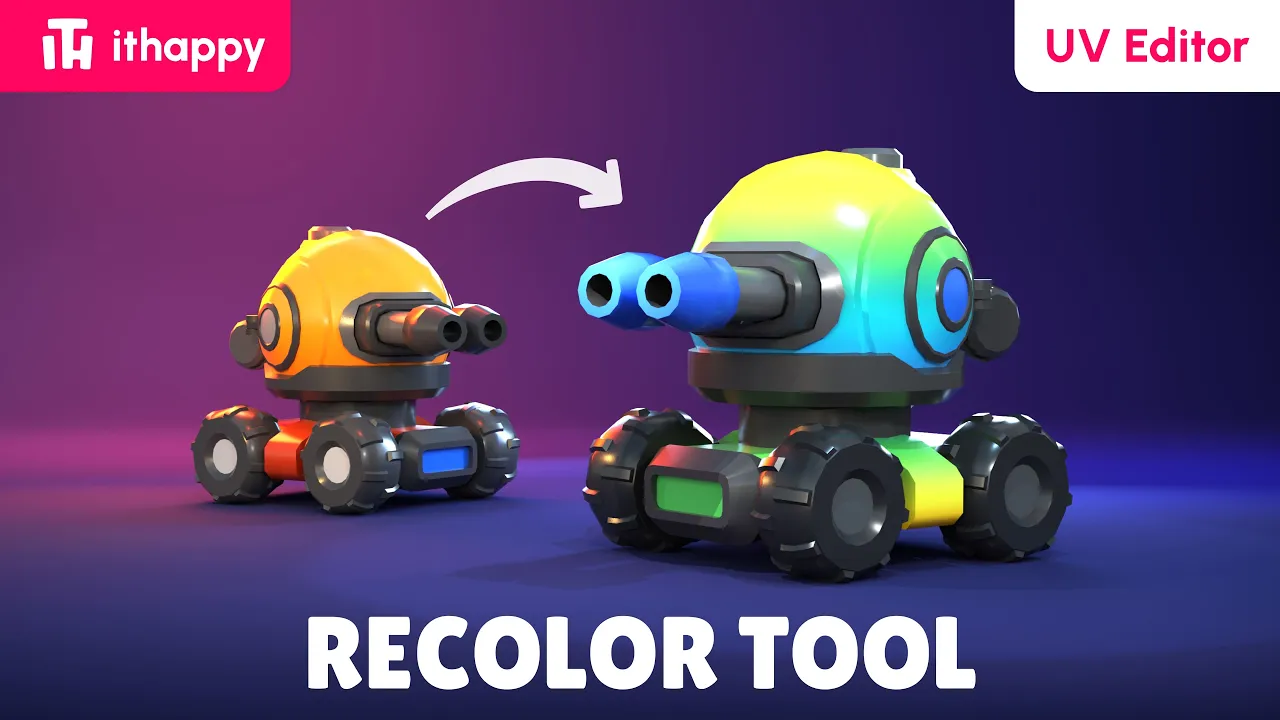


Description
Built for stylized projects, low-poly assets, and fast prototyping – recolor a whole model in UV space without leaving Unity.
Main Features
- Fast model recoloring with real-time preview
- Multiple materials and UV channels
- Hide and show individual model parts
- Works smoothly with LODs and complex models
- Assign a Master Material to any asset
- Full toolset for working in UV space
- Quick saving
- URP, HDRP, and Built-in
- Free updates, plus support in our Discord Community
Getting Started
Before starting, we recommend watching the video tutorial.
- Import the tool from the Unity Asset Store
- Open Tools → ithappy → Recolor Tool (UV Editor)
- Hit Test Asset to load our sample model and poke around
- When you’re ready, drag your own asset into the Asset field
- Open the Asset Viewer to see changes live
- Select parts of the model and move them around in UV space
- Click Save. The tool updates and re-saves the asset for you
Interface Overview
Top Panel
Asset — field for selecting or dragging the model you want to work with.
Materials — selects the material you want to edit. If All is selected, changes are applied to all materials.
UV — switches between available UV channels.
Parts — selects the model part you want to work with.
Visibility — temporarily hides selected model parts in the Preview window.
Apply MM — assigns the master material and palette texture to the selected model.
Useful for bringing assets with different materials and textures into a unified visual style.
UV Tools
Rect — rectangular UV selection tool.
Lasso — flexible freeform UV selection tool.
Color — changes the color of the selected UV Shell.
Center — centers the UV workspace inside the window.
Focus — moves the selected UV area to the center of the workspace.
Copy — copies UV Shell coordinates.
Paste — moves selected UV Shells to copied coordinates.
Test Asset — loads the prepared test model for learning and testing the tool.
Bottom Panel
Asset Viewer — shows or hides the model Preview window.
Save — saves the model and all applied changes.
Support — opens the Discord support server.
All Assets — opens the ithappy asset library.
Kyle Smith –
Guys, this is a really useful tool. You should definitely promote it more –mb include it in your asset packs or mention it there.
I’ve been using your products for a long time, and I only just found it. I was surprised to see it’s already been out for a month
ithappy team (verified owner) –
Thanks! Good idea, we thought about that too